Do 3D Websites Slow Down Your Site? How to Build One That Does Not
A 3D website slows down when weight is treated as something to clean up afterwards instead of a constraint set before the scene is designed. The cost comes from four places: geometry, textures, the JavaScript that runs the scene, and the render loop competing for the main thread. All four are controllable. Google and Deloitte found a 0.1 second mobile improvement associated with an 8.4 percent lift in retail conversions, which is why the budget is set first and the scene is designed to fit it.
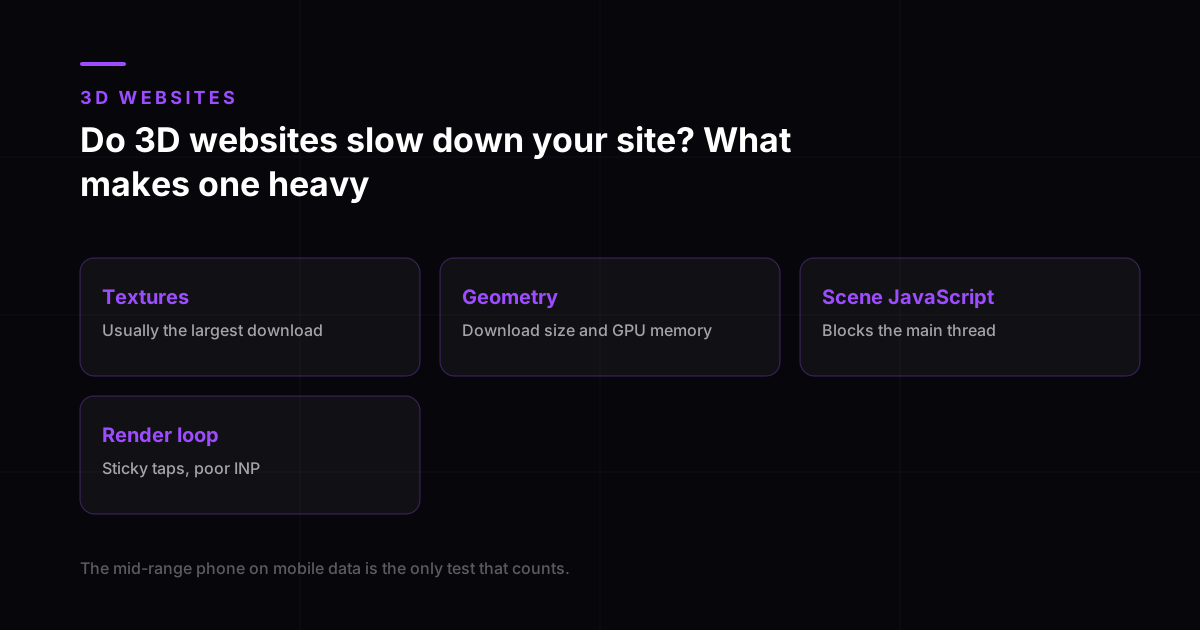
Do 3D websites slow down your site? The short answer
Yes, if nobody set a budget. No, if somebody did. That is genuinely the difference, and it is a decision made in week one rather than a skill applied in the final week.
What actually makes a 3D site heavy
| Cost | Where it shows up | What controls it |
|---|---|---|
| Geometry | Download size and GPU memory | Polygon count, compression, reusing objects instead of duplicating them |
| Textures | Usually the largest single download | Resolution, format and whether the detail is visible at real viewing size |
| Scene JavaScript | Main thread blocking before anything appears | Library choice, code splitting, loading the scene after the content |
| Render loop | Sticky taps and poor INP | Frame budget, pausing when off screen, throttling on weak devices |
Textures are the usual culprit and the easiest win. A 4K texture on an object that occupies a quarter of a phone screen is detail nobody will ever see, downloaded by everybody who visits.
The weight budget
A weight budget is a number agreed before anything is modelled: what the scene is allowed to cost, on the device you actually care about. Then the scene is designed to fit it, the way a building is designed to a plot.
- Decide the target device first. Not the newest phone in the office. A mid-range handset a few years old.
- Set a ceiling for total scene payload, and a separate one for what must load before the headline appears.
- Every scene idea gets costed at sketch stage. If it cannot fit, it changes shape or it does not get built.
- The budget is checked at each review, not once at the end when cutting means redesigning.
What a tenth of a second is worth
Google and Deloitte studied 37 retail, travel, luxury and lead generation brands across more than 30 million mobile sessions, isolating site speed. A 0.1 second improvement was associated with an 8.4 percent lift in retail conversions and a 9.2 percent lift in average order value. Google has separately reported that the probability of a bounce increases by 32 percent as page load time goes from one second to three.
- Retail conversions
- 8.4%
- Retail average order value
- 9.2%
- Travel conversions
- 10.1%
- Luxury page views per session
- 8.6%
Milliseconds Make Millions, Google and Deloitte, 37 brands and 30 million+ mobile sessions. Correlational, not a controlled experiment.
Hold that against a scene that adds two seconds and the arithmetic gets uncomfortable. The scene is not competing against nothing. It is competing against twenty tenths of a second, each of which had a measurable value.
The thresholds you are actually graded against
Core Web Vitals are assessed on real visits at the 75th percentile over a rolling 28-day window. Three quarters of your traffic has to hit the target, so the slower quarter of your audience decides your score.
| Metric | Good | Poor begins at |
|---|---|---|
| LCP | Under 2.5 seconds | Over 4 seconds |
| INP | Under 200 milliseconds | Over 500 milliseconds |
| CLS | Under 0.1 | Over 0.25 |
INP is the one 3D sites fail quietly. The page looks finished, the scene runs smoothly, and taps feel half a beat late because the render loop is holding the main thread. Nobody reports it. They just do not fill in the form.
The techniques that actually work
- Load the content first and the scene second. The headline should never wait for geometry.
- Compress geometry and textures properly, and size textures to how large the object appears on screen rather than to how detailed the model is.
- Pause the render loop when the scene scrolls out of view. Most sites run it forever, burning battery to animate something nobody is looking at.
- Detect capability and serve a lighter scene, or a static image, to devices that cannot afford the full one.
- Reserve the space the canvas will occupy so nothing jumps as it initialises.
- Test on a real mid-range phone on a real network. A throttled desktop simulation is a useful sanity check and not the same thing.
Reduced motion is a functional requirement
Some people get ill from motion on screens. As many as 35 percent of US adults aged 40 and over have experienced some form of vestibular dysfunction, and camera moves, parallax and large transitions are among the reliable triggers for dizziness, headaches and nausea.
Operating systems expose this as a setting, and browsers pass it to the page through the prefers-reduced-motion media query. Honouring it means every animation ships a second version: not motion switched off and a broken layout left behind, but a still, complete, deliberately composed alternative. It also happens to be the fastest version of your page, which is a useful thing to have lying around.
The one test that settles it
Open the site on a mid-range phone, on mobile data, in the middle of the day. Not on office wifi and not on the newest handset in the room. That visit is what most of your audience gets. StatCounter put about two thirds of India’s web traffic on mobile in July 2026, so it is not an edge case. It is the case.
What to do when it fails that test
Most sites fail it the first time, and the useful response is triage rather than despair. In the order that recovers the most weight for the least work:
- Compress and re-export the textures. This is almost always the largest single saving and changes nothing visually at phone resolution.
- Load the scene after first paint rather than before it, so the page becomes readable while the canvas is still arriving.
- Serve a still image of the scene to phones below a set performance tier, and the live scene above it.
- Cap the frame rate and the pixel ratio on mobile. Rendering at full retina density is invisible and expensive.
- If it still fails, cut the scene from mobile entirely. A fast page with no scene outperforms a memorable page nobody waits for.
The last one is not a defeat. Whether 3D increases conversions depends entirely on the page still being fast, and a scene that costs you the mobile two thirds has already lost more than it can win back on desktop. 3D website design cost in India prices per scene precisely so this decision can be made per page, and our 3D builds carry a stated weight budget for exactly this reason.
Frequently asked questions
Do 3D websites slow down your site?
They do when weight is treated as a cleanup task rather than a design constraint. The cost comes from geometry, textures, the JavaScript that drives the scene and the render loop competing for the main thread, and all four are controllable. A weight budget agreed before the scene is designed is what separates a fast 3D site from a slow one.
How much weight does a 3D scene add to a page?
It depends almost entirely on texture resolution and polygon count, which is why the number is set as a budget rather than discovered afterwards. The useful discipline is to fix a ceiling for the target device first, then design the scene to fit it. Textures are usually the largest single download and the easiest place to recover weight.
Can a 3D website pass Core Web Vitals?
Yes, if the content loads before the scene and the render loop is managed. The targets are LCP under 2.5 seconds, INP under 200 milliseconds and CLS under 0.1, measured on real visits at the 75th percentile over 28 days. INP is the one 3D sites fail most often, because a render loop holding the main thread makes taps feel late.
What device should I test my 3D website on?
A mid-range phone that is a few years old, on mobile data rather than office wifi. Core Web Vitals grade the slower quarter of your real traffic, and StatCounter put about 66 percent of India’s web traffic on mobile in July 2026, so that device is far closer to your typical visitor than your laptop is.
Do I need a reduced-motion version of every animation?
Yes. As many as 35 percent of US adults aged 40 and over have experienced some form of vestibular dysfunction, and camera moves and parallax are known triggers for dizziness and nausea. Browsers expose the preference through prefers-reduced-motion, and honouring it means shipping a still, deliberately composed alternative rather than simply switching motion off.
Is it better to use a video instead of 3D to keep the site fast?
Not usually. Video files are often heavier than a well-compressed scene, they frequently refuse to autoplay on mobile, and they cannot react to scroll or cursor, which removes the only reason to choose 3D in the first place. If the motion does not need to react, a well-optimised still image beats both on weight.